
Computer Skills Proficiency Test
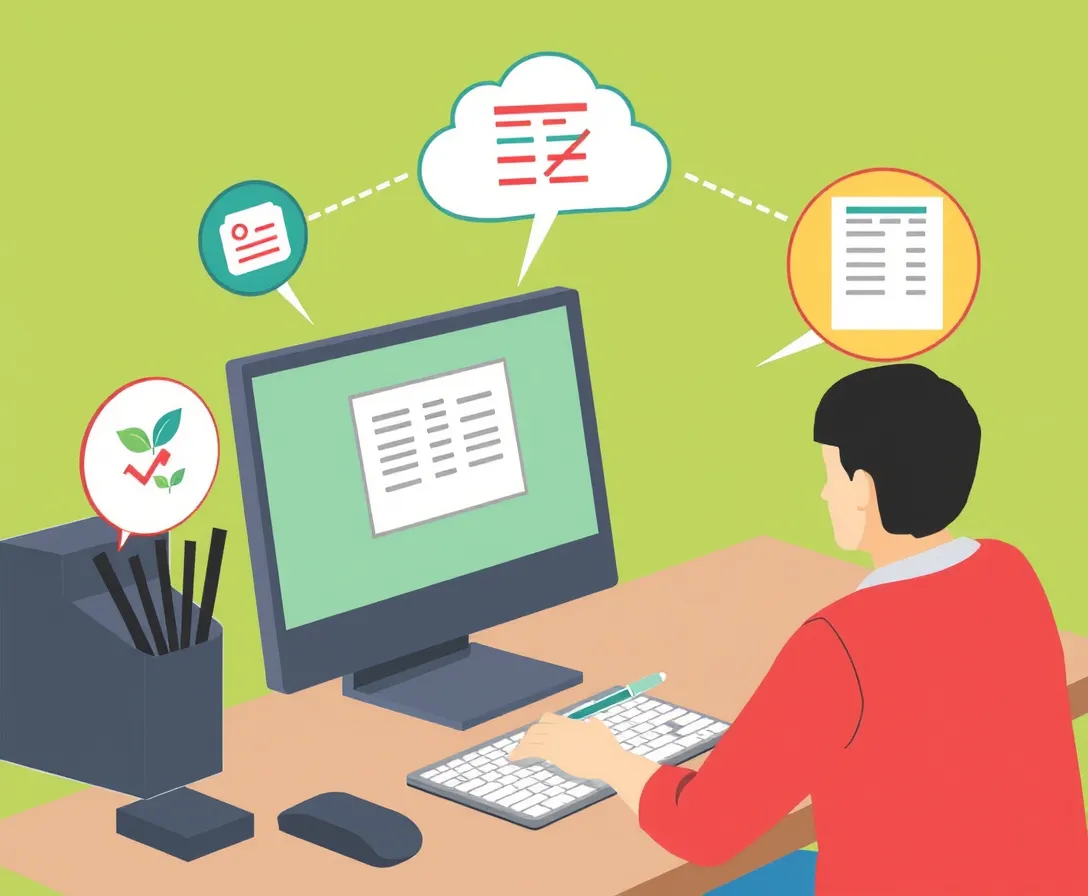
Take the quiz now

This Computer Skills Proficiency Test enables students to showcase their computer knowledge across a variety of difficulty levels, from easy to hard. Discover what a computer system requires, understand the operating system, explore the control panel and its functions, and more. If you find the quiz beneficial, don't forget to share it with your friends. Good luck!
Want to Discover Shapes of Life? Try Me.bot
Discover The Unexpected and Find Incredible Inspirations
Frequently Asked Questions
What is the Computer Skills Proficiency Test?
The Computer Skills Proficiency Test is designed to measure your understanding of various computer concepts through questions of varying difficulty, helping you to assess and improve your computer skills.
What can I learn from the Computer Skills Proficiency Test?
By taking the Computer Skills Proficiency Test, you can learn about essential computer components, the role of the operating system, and understand the functionalities of the control panel, among other topics.
How are the questions structured in the Computer Skills Proficiency Test?
The questions in the Computer Skills Proficiency Test are structured to range from easy to hard levels, ensuring a comprehensive evaluation of your computer knowledge.
Who should take the Computer Skills Proficiency Test?
The Computer Skills Proficiency Test is ideal for students and individuals looking to assess or enhance their computer proficiency in a structured manner.
How can I share my results from the Computer Skills Proficiency Test?
After completing the Computer Skills Proficiency Test, you can share your results with friends and peers through various social media or communication platforms to encourage their participation too.
RELATED QUIZZES

Your inspiring companion for life


PRODUCT
NEED HELP

